
Introduction
Hook: A Neat Table or a Chaotic Rant?
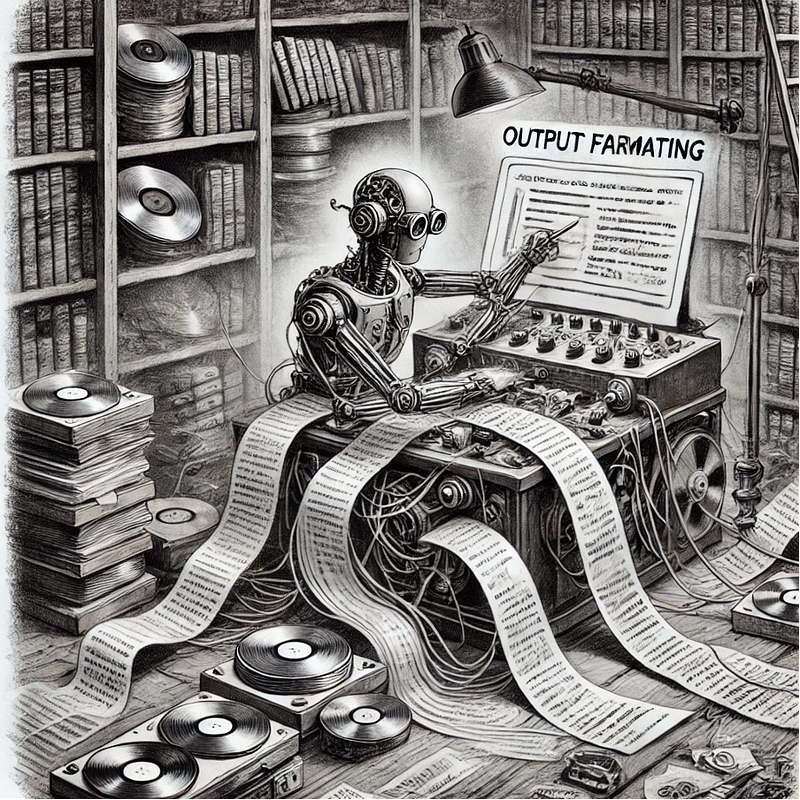
You ask an AI to list today's top tech news. Instead of a neat bullet list, it returns a chaotic rant about quantum computing, memes, and robot chefs. Output formatting is the difference between "Give me data" and "Give me data I can actually use." That's where output formatting steps in — turning raw AI answers into actionable data that we can trust
Why This Matters:
Whether you're feeding AI outputs into apps, reports, or APIs, structured formatting ensures consistency, readability, and automation-ready results — no manual cleanup required. In a fast-paced financial environment, you rely on consistent, structured reports — whether you're exporting data to an internal risk analysis dashboard, feeding an API for regulatory filings, or briefing executives on critical loan KPIs. Output formatting ensures no time is wasted wrangling data or fixing typos, and it lets you instantly plug AI-generated insights into your existing workflows.
What Is Output Formatting?
Simple Definition:
Output formatting is the process of directing how AI-generated content should be organized and presented, from JSON for APIs to Markdown tables for reports.
Analogy:
Imagine output formatting as a chef plating a dish. The ingredients (data) matter, but the presentation (structure) determines whether it's served on a silver platter or dumped in a lunchbox. Your AI is the master chef cooking up loan metrics or customer segmentation reports. But even the best ingredients can look unappetizing without proper plating. Output formatting is that finishing touch, ensuring each piece of data sits where it belongs and looks the part.
Key Components
Focus on three main pillars:
1. Structured Responses: Enforce data formats like JSON, CSV, XML, or YAML — essential when yourmodel needs to parse newly generated insights.
2. Template Design: Predefine how results should look: a Markdown table summarizing branch-wise deposit growth or an HTML snippet for a quick injection into your internal portal.
3. Consistent Formatting: Uniform headings, punctuation, dates, and numerical formats — so there's zero confusion about whether "8%" was typed as ".08" or "8.0%."
How It Works
Step 1: Define the Format
Provide explicit instructions in your prompt. For instance:
"List the top 5 investment products by total volume this quarter in valid JSON with 'productName', 'volumeUSD', 'interestRate' keys."AI Output
[
  {
    "productName": "Premium Bond",
    "volumeUSD": 5000000,
    "interestRate": "3.5%"
  },
  {
    "productName": "High-Yield Savings",
    "volumeUSD": 3000000,
    "interestRate": "2.1%"
  }
  // ...more products
]
No more guesswork — the structure is clear, machine-readable, and ready for further analysis.
Step 2: Use Delimiters
Guide the AI with symbols like ``` or ` — -`. For example, you might want a Markdown table:
"Summarize last month's loan approvals in a Markdown table with these columns:
'Date Approved', 'Loan Amount', 'Client ID', 'Interest Rate'.
Format (including headers):
\`\`\`
| Date Approved | Loan Amount | Client ID | Interest Rate |
|---------------|------------|----------|--------------|
\`\`\`
"
The AI should return a table following your exact layout, making daily reporting a breeze.
Step 3: Validate Outputs
Use code to check for formatting errors — a lifesaver if your data goes straight into a risk-scoring API or compliance system.
import json

def validate_json(response):
    try:
        json.loads(response)
        return True
    except ValueError:
        return False

ai_response = get_ai_output()  # Suppose this returns JSON
if validate_json(ai_response):
    print("Valid JSON! 🎉")
else:
    print("Invalid. Retry with stricter formatting instructions!")
No more broken pipelines because the AI forgot a comma or used the wrong brace.
Real-World Applications
APIs: Tools like Zapier use formatted JSON to connect AI outputs to apps like Slack or Google Sheets.
Automated Loan Summary Reports: AI can generate JSON or CSV files highlighting default risks or interest rates, which your CRM or credit risk engine can immediately process.
Regulatory Filings: Provide a strict XML schema for Basel III or SEC compliance documents. The AI adheres to the schema, ensuring no formatting missteps that cause rejections.
Executive Dashboards: In high-level presentations, the AI can generate Markdown or HTML tables detailing branch performance, letting executives quickly grasp critical data during earnings calls.
Challenges & Best Practices
Pitfalls:
Over-Constraint: If you demand a rigid JSON format for a piece of creative text, you might lose the nuance or the actual story behind the data..
Syntax Errors: A missing quote or bracket can break your entire processing flow — disastrous if you're pulling data into an automated portfolio allocation script.
Pro Tips:
1. Iterate Prompts: Refine your instructions with "Use this template" or "Follow this sample exactly" to handle repeated errors.
2. Leverage Libraries: Tools like Instructor can enforce or validate structured outputs, leaving little room for the AI to go off track.
3. Post-Process: Use a simple regex or script to enforce consistent date formats — crucial when comparing "08/15/23" to "2023–08–15."
Tools & Resources
Instructor: A Python library designed for structured outputs in LLMs — handy for generating and validating your loan data or transaction logs.
Pydantic: Data validation in Python — ensuring that "interest Rate" is always a float, not an accidental string.
LangChain: Offers prebuilt prompts for CSV, JSON, and more; ideal for bridging generative AI with existing banking data pipelines.
Conclusion
Output formatting turns raw AI creativity into structured, actionable data.. By setting clear rules, you ensure the AI isn't just smart — it's useful for every part of your business operations, from compliance to customer service.
Next Up:
"How to Know If Your AI Model Is Actually Good" (Article 12). Master model evaluation metrics to separate hype from reality!
Call-to-Action
What's the most bizarrely formatted AI output you've encountered? Share your horror stories (and fixes!) below — let's commiserate.